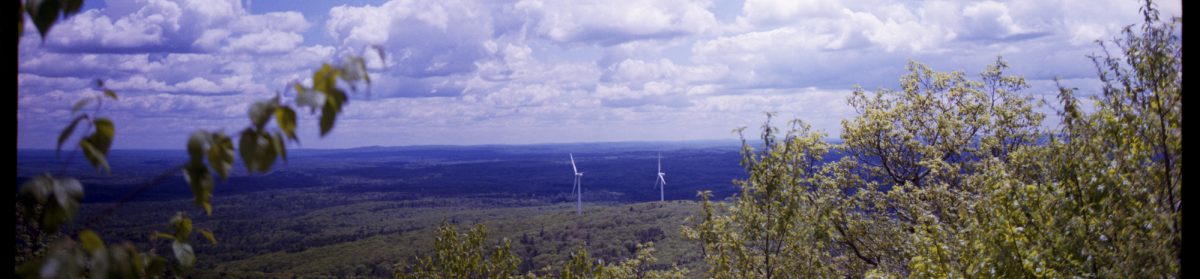
If you shoot medium format film, you’ve probably wrestled with this question: should you scan your negatives with a flatbed scanner or use a digital camera? I’ve been going back and forth on this for a while now, so I decided to put my Epson V850 head-to-head against my Fuji GFX 100s in a real-world comparison. The results might surprise you.
My Camera Scanning Setup
Rather than buying a dedicated copy stand, I repurposed something I already had in the darkroom — my Omega C-700 enlarger. It turns out this classic piece of equipment is perfectly suited for camera scanning. The bellows knob gives me precise fine focus control, and the gantry knob handles larger vertical movements. It’s rock solid, vibration-free, and keeps everything perfectly aligned.
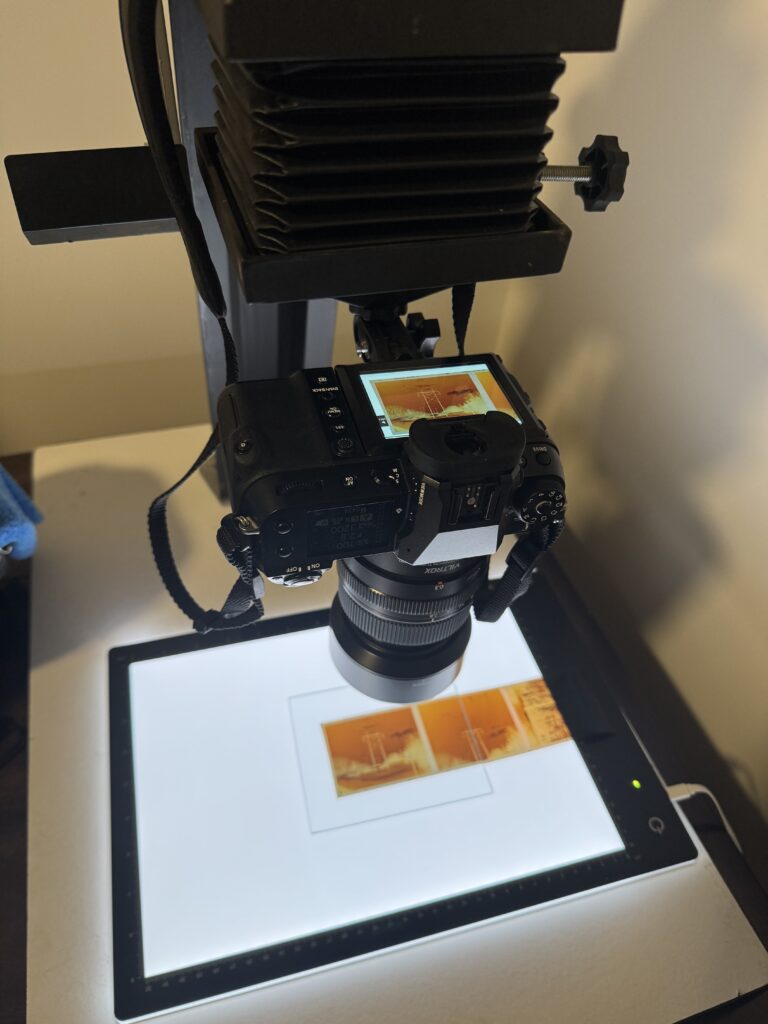
The real bonus? Having one dedicated space that handles both traditional negative enlargements and digital camera scanning. When you’re trying to carve out darkroom space, a dual-purpose setup keeps the wife happy.
For this test, I paired the GFX 100s with the GF 63mm f/2.8 and an 18mm Viltrox extension tube. It’s worth noting that the dedicated GF 120mm f/4 Macro would likely produce sharper results across the frame, but I wanted to test with what I currently own.
The Comparison: Same Negative, Two Methods
I scanned the same Kodak Ektar 100 negative using both methods — the Epson V850 flatbed on the left, and the GFX 100s camera scan on the right.
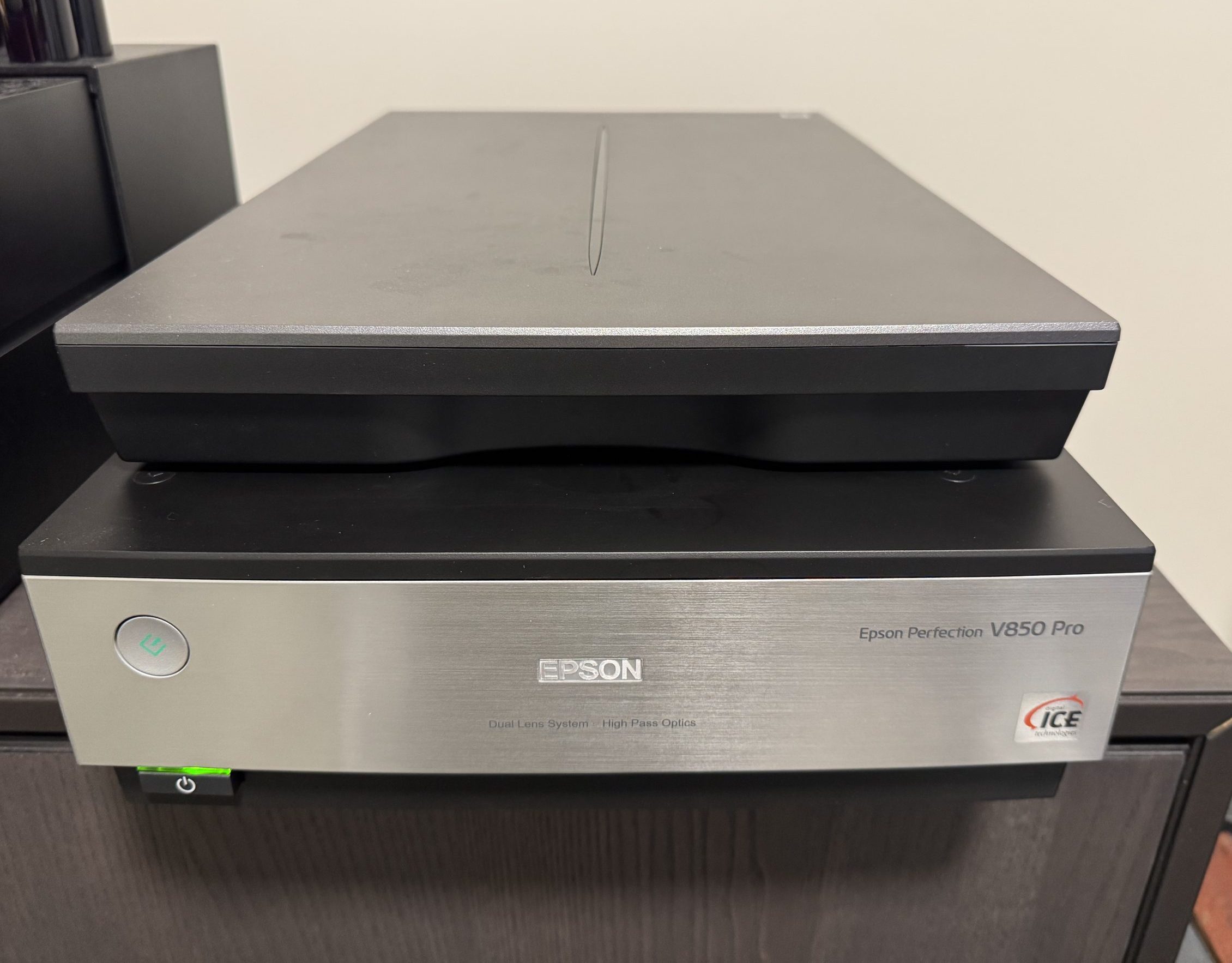
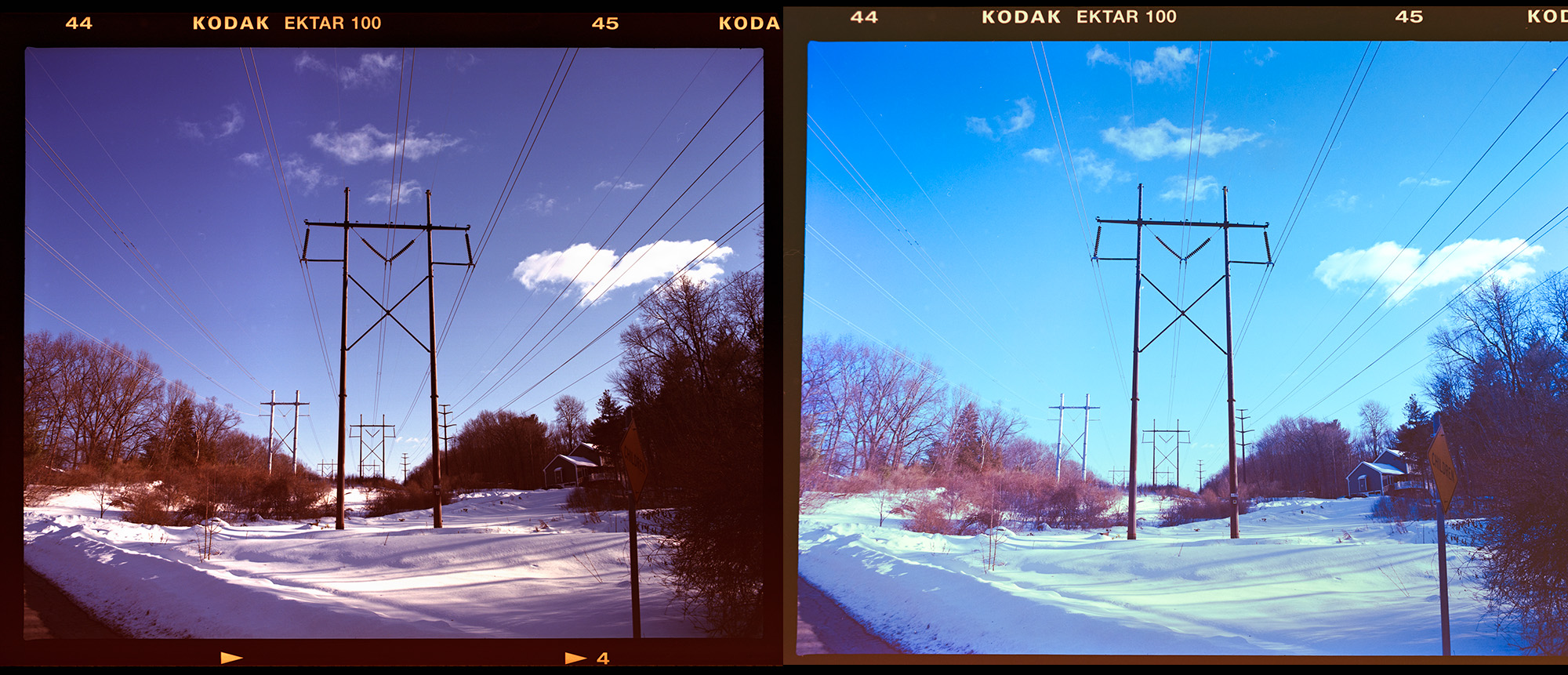
At first glance, I actually prefer the flatbed scan. The colors feel more natural straight out of the scanner, and the overall look is closer to what I want as a finished image. So what’s going on here?
Resolution: Camera Scanning Wins — By a Lot
When you look closely at the detail comparison, the difference is dramatic. The GFX camera scan resolves far more information from the negative. Fine text on signs, subtle textures in surfaces, and small details that are smeared or lost on the flatbed come through clearly on the camera scan.
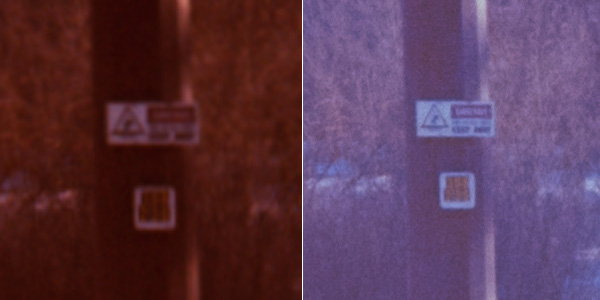
The 102-megapixel sensor on the GFX 100s simply captures more data from the negative than the V850’s CCD sensor can resolve. And that’s with the Epson set to 1200 ppi — roughly the middle of its advertised range. Cranking it up to the maximum resolution and using a wet-mount technique would close the gap somewhat, but at the cost of significantly longer scan times.
Meanwhile, the GFX captures the image in less than a second.
Color: Flatbed Scanning Wins — For Now
Here’s where the flatbed earns its keep. The Epson V850, combined with its bundled SilverFast or EpsonScan software, does a remarkably good job of color correcting negatives automatically. You place the negative on the glass, hit scan, and get a usable image with minimal fuss.
Camera scanning is a different story. You’re photographing the raw negative, which means you need to invert it and correct the orange mask yourself. Software like Negative Lab Pro or FilmLab helps enormously, but there’s still more manual tweaking involved to get colors where you want them. The time I spend dialing in color correction on a camera scan often exceeds the total scan time on the Epson — even at higher resolutions.
Advantages of Flatbed Scanning (Epson V850)
- Infrared dust and scratch removal (Digital ICE) — This is a genuine game-changer for color film. The scanner uses an infrared channel to detect dust, scratches, and other surface defects, then automatically removes them from the final scan. This single feature can save hours of tedious retouching in Photoshop. It’s one of the strongest reasons to stick with a flatbed for color negative work.
- Automated color correction — The scanner software handles negative inversion and color balancing with minimal input. For batch scanning, this is a huge time saver.
- Batch scanning capability — Load multiple strips or mounted slides, set your parameters, and walk away. The V850 handles the rest while you do something else.
- Consistent, repeatable results — Once you dial in your settings for a particular film stock, every scan comes out looking similar. There’s less shot-to-shot variation to manage.
- Simpler workflow — Scan, minor adjustments, export. The pipeline from negative to finished file is shorter and more straightforward.
- Wet mounting option — For those times when you need maximum resolution from the flatbed, wet mounting the negative to the scanner glass eliminates Newton rings and can squeeze out additional sharpness.
Advantages of Camera Scanning (GFX 100s)
- Superior resolution — The 102MP sensor resolves dramatically more detail from the negative than even a high-end flatbed. Fine grain structure, subtle textures, and small details are all preserved.
- Speed of capture — Each frame is captured in under a second. If you’re scanning a large backlog of negatives, the actual capture time is a fraction of what a flatbed requires.
- Pixel Shift Multi-Shot mode — When maximum resolution is the priority, the GFX’s pixel shift mode combines multiple exposures into a single massive file. This pushes the resolving power even further beyond what any consumer flatbed can achieve.
- Exposure bracketing — Just like the Epson’s multi-exposure mode, the GFX can bracket exposures and merge them for extended dynamic range. The difference is that you’re working with a far higher resolution base image.
- Future-proof files — The larger, more detailed files give you more flexibility for large prints, heavy crops, and re-editing down the road.
- Handles all formats — With the right film holder or light source, camera scanning works equally well for 35mm, 120, 4×5, and even 8×10 negatives. No need for format-specific holders or adapters beyond what you’d use with a light table.
Disadvantages of Flatbed Scanning
- Limited true optical resolution — Despite advertised specs of 6400 ppi or higher, most flatbed scanners deliver real-world resolution significantly below that number. The V850 is one of the best consumer flatbeds available, but it still can’t match a dedicated camera scanning setup.
- Slow scan times at high resolution — Pushing the V850 to its maximum resolution with multi-pass scanning can mean 10+ minutes per frame. Add wet mounting and that time increases further.
- No IR dust removal for black and white — Digital ICE doesn’t work with traditional silver-based black and white films. The infrared light passes right through the silver, making the feature useless for a large portion of film shooters’ work.
- Potential for Newton rings — Without wet mounting or anti-Newton ring glass, the negative can create interference patterns where it contacts the scanner glass.
Disadvantages of Camera Scanning
- Color correction is labor-intensive — Inverting and correcting the orange mask on color negatives requires additional software and time. Even with tools like Negative Lab Pro, getting accurate colors takes more effort per frame.
- No automated dust removal — Every speck of dust and every scratch has to be dealt with manually in post-processing. For old or poorly stored negatives, this can add significant editing time.
- Higher initial investment — A GFX system with an appropriate macro lens represents a substantially larger investment than even a top-tier flatbed scanner. Of course, the camera serves many purposes beyond scanning.
- Requires a stable copy stand or mounting solution — You need a way to hold the camera perfectly parallel to the film plane with precise focus control. Off-the-shelf copy stands work, but a repurposed enlarger (like my Omega C-700) is an elegant solution.
- Lighting consistency matters — The backlight source needs to be even, flicker-free, and color-neutral. A good light panel like the Raleno or Kaiser Slimlite adds to the overall cost.
My Verdict: The Epson V850 Stays
For my everyday scanning workflow, the Epson V850 remains my go-to. The combination of solid-enough resolution, automated color correction, and — most importantly — infrared dust and scratch removal makes it the more practical choice for getting through rolls of film efficiently. When I factor in the total time from negative to finished image, the flatbed wins.
That said, the GFX camera scanning setup isn’t going anywhere either. When I need to pull maximum detail from a negative — for a large print, a portfolio piece, or simply because a particular image deserves it — the camera scan is the clear choice. The resolution difference is not subtle. It’s there, and it matters when you need it.
The ideal workflow might be a hybrid approach: flatbed scan everything for quick review and everyday use, then go back and camera scan the selects that deserve the extra attention. That way you get the efficiency of the Epson for the bulk of your work, and the resolving power of the GFX for the images that matter most.
If you’re considering a camera scanning setup and already own a high-resolution digital camera, it’s absolutely worth experimenting with. Just don’t expect it to be faster than a flatbed once you factor in the full post-processing pipeline — especially for color negative film.
Purchasing gear from the above link helps me keep the site going!
What happens if you wet mount before camera scanning?